AI song generator
Paste your lyrics or describe the song, choose a style and a voice, and ChatCut makes an original track with vocals. About 0.72 credits a song.
Happy Birthday, Maya · verse and chorus it was made from
[Verse]
Candles on the table, the whole room in a glow
You laugh like you did when we were twelve years old
Another year of roads we didn't know we'd take
So close your eyes, Maya, and make a wish to make

[Chorus]
Happy birthday, Maya, turn the music up loud
You're the brightest little light in any crowd
Here's to every song we haven't sung yet
Happy birthday, Maya, this one you won't forget
Made in ChatCut from the lyrics shown, 0.72 credits a song. Chorus excerpt; the full songs run 2:42 to 3:15.




Trusted by 400,000+ creators
How it works
How to make a song with AI
- 01
Write or paste the lyrics
Paste your lyrics on this page, or choose Write them for me and describe the song. Pick a style, a voice and the language it's sung in.
- 02
Approve the lyrics in ChatCut
Open ChatCut and sign in free. For a song with vocals the lyrics are confirmed before generation, so change a line or the style first, and review any estimate shown.
- 03
Listen, trim and use it
The finished song appears in your media. Listen through, trim the intro or ending, and export it as audio or add it to a video.
Why ChatCut
Why make songs with ChatCut's AI song generator
-
Your words, sung as written
Paste lyrics up to 5,000 characters and mark [Verse], [Chorus] and [Bridge]. ChatCut keeps your lyrics as you wrote them unless you ask for a rewrite.
-
No lyrics yet? Start from an idea
Describe who the song is for and what it should say. The Agent drafts original verses and a chorus and shows them to you before anything is generated.
-
A price you can see first
A song with vocals uses about 0.6–0.72 credits. The request from this page asks for the estimate before generating; check the credits policy for current rates.
-
The song lands in a video editor
Each song is a new audio asset in your project. Trim it, fade it, and put it under your video or turn the lyrics into a lyric video.
Tips
How to get a better song from an AI song generator
Most of the result comes from the lyrics and two or three words about style. These are the things that change the song the most.
-
Write lines that sing
Keep lines short and give each one a similar number of syllables. Repeat the chorus word for word; a chorus that changes every time sounds like a new verse.
-
Name a style, not an artist
Ask for a genre, a tempo and instruments, such as mid-tempo acoustic pop with claps. Describe the sound rather than naming a singer; every generation is a new, original song.
-
Pick the voice and the language
Choose a female or male vocal (a preference, not a guarantee) and one of 10 sung languages: English, Spanish, Portuguese, French, German, Italian, Japanese, Korean, Chinese and Russian.
-
Fit the length afterwards
You can't set an exact length; our samples ran 2:42 to 3:15. Trim, fade or loop the song on the timeline to fit a reel or an intro.
Use cases
What people make with an AI song generator
-
A birthday or wedding song with their name in it
Write a verse about the person and a chorus with their name, then play it at the party or put it under a photo slideshow.
Make a photo slideshow with the song -
A jingle for a shop, a podcast or a channel
Four lines and a hook are enough for an ad or an intro. Trim the best eight seconds for the start of each episode.
-
A theme song for a travel vlog or a reel
Write about the trip, generate the song, then cut your footage to it in the same project with captions and titles.
Put the song under your video -
A lyric video from the same words
The lyrics you wrote become timed words on screen, so the song and the video come from one source.
Make a lyric video
Keep editing
Keep going with the song
The song is a regular audio clip in your ChatCut project. Trim it, fade it, add background music to a video, make a lyric video, or export the audio from the timeline.
- Conversational editing
- Text-based editing
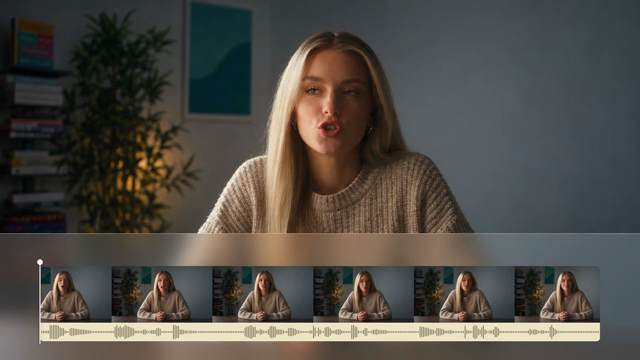
- Auto-captions
- Motion graphics
- AI voiceover
- Generate clips
- Noise removal
- Multi-track timeline
-
You Can Now Edit Videos with Grok Bot
Edit with Grok Bot -
How to Make 3× the Content With AI (No Editing Experience)
Turn long videos into shorts -
I Turned One Product Photo Into a Full Ad With ChatGPT
Product ads skill -
How to Create Insane Motion Graphics with Astra 6
AI motion graphics
Skills
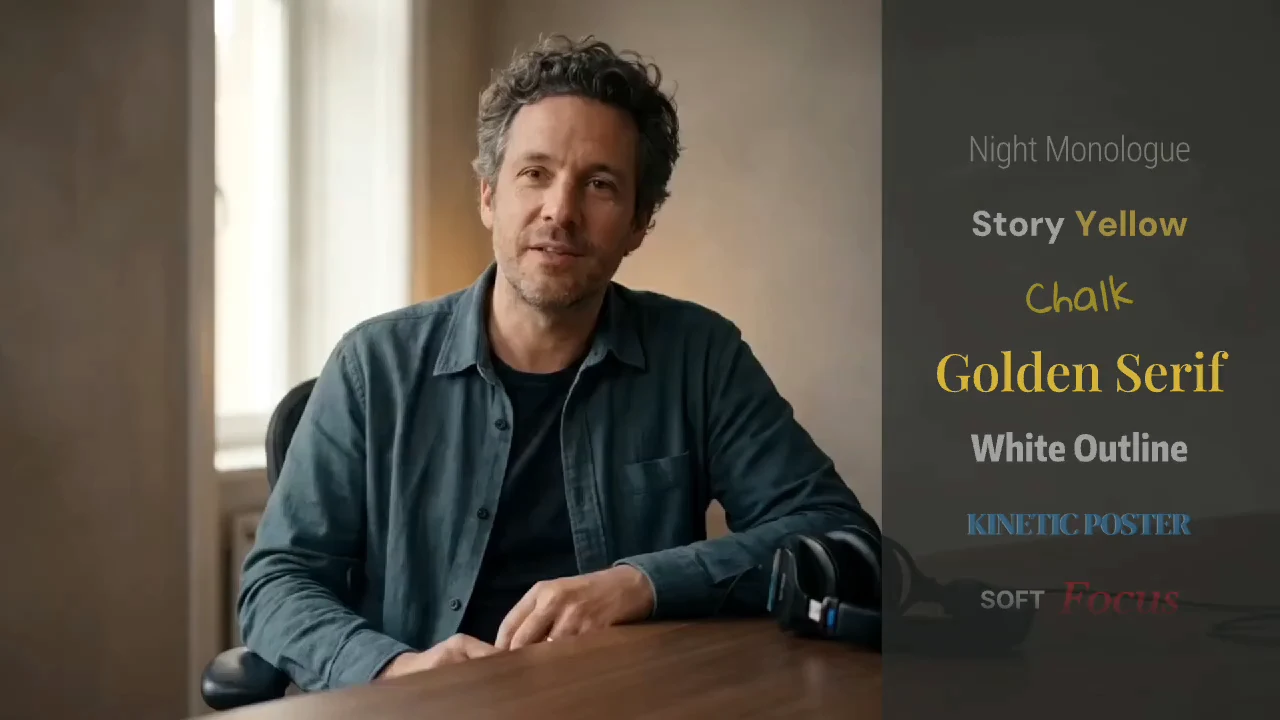
Hundreds of skills for any video
100+ Skills. No experience needed. Start in one click.

FAQ
AI song generator FAQ
How many credits does an AI song cost?
A song with vocals uses about 0.6–0.72 credits and an instrumental track about 0.2, according to the credits policy. Review any estimate shown before generating; the actual charge is listed under Credit activity in Settings.
Is the AI song generator free?
Signing in and editing are free, and new accounts start with some credits. Depending on your plan, AI music may require an upgrade; if it does, ChatCut says so before generating and keeps your credits. See free and paid plans.
Can I use my own lyrics?
Yes. Paste up to 5,000 characters and ChatCut keeps them as written unless you ask for changes. Use lyrics you wrote or have the right to use.
Can ChatCut write the lyrics for me?
Yes. Describe who the song is for and what it should say, and the Agent drafts original verses and a chorus. You approve or edit them before the song is made.
Which languages can the song be sung in?
English, Spanish, Portuguese, French, German, Italian, Japanese, Korean, Chinese and Russian. Write the lyrics in the language you want sung.
Can I choose a male or female voice?
You can ask for a female or male vocal. It's a preference the generator follows in most cases, not a guarantee, so listen before you use the song.
How long is each song, and can I set the length?
The generator decides the length; you can't request one. Our three sample songs ran 2:42, 2:46 and 3:15. Trim, fade or loop the result on the timeline.
Can I change one line after the song is made?
Not inside the same recording. Each generation makes a new song, so fix the lyrics first, or generate again with the corrected line and keep the take you like.
Can I download the song?
Yes. Put the song on the timeline and export it as audio: the web editor saves an MP3, and ChatCut Desktop also offers M4A, FLAC and WAV.
From the blog
Guides for this task
- 8 Best AI Music Generators for Video in 2026 (Free & Paid)The best AI music generators for video, compared on track length control, instrumental beds, free-plan limits and commercial license terms, with sources.Read the guide →
- How to Make a Lyric Video: Timing, Style and ExportHow to make a lyric video: build a cue sheet, style the text, time each line to the vocal and export for YouTube in After Effects, CapCut or ChatCut.Read the guide →
Related
More AI music and audio tools
All AI apps
Edit video
Audio & voice
- AI song generator
- AI voice generator
- Audio editor
- Voice cloning
- Voice isolator
Record
Captions, text & translation
AI video & images
- AI animation generator
- AI avatar generator
- AI character swap
- AI Christmas photo
- AI clothes changer
- AI commercial generator
- AI dance generator
- AI headshot generator
- AI influencer generator
- AI movie maker
- AI photoshoot
- AI podcast generator
- AI poster generator
- AI product photography
- AI rap generator
- AI tattoo generator
- AI try-on video
- AI UGC video generator
- AI virtual staging
- App promo video maker
- Audio visualizer
- Billboard mockup video
- Blur background photo
- Change photo background
- Christmas card maker
- Claymation video maker
- Colorize photo
- Face swap video
- Hair color changer
- Hairstyle try on
- Image to video
- Lip sync
- Logo animation
- Motion control AI
- Personalized Santa video
- Photo restoration
- Pixel art animation
- Remove object from video
- Remove people from photos
- Remove text from video
- Replace video background
- Script to video AI
- Sharpen image
- Text animation generator
- Text to video
- Thumbnail maker
- Training video maker
- Unblur image
- Unboxing video maker
- Video background remover
- Video background remover
- Video effects
- Video summarizer
- Vocal remover
- Whiteboard animation maker
All free tools
Convert & compress
Edit video
Captions, text & translation